Blast Pulser
About
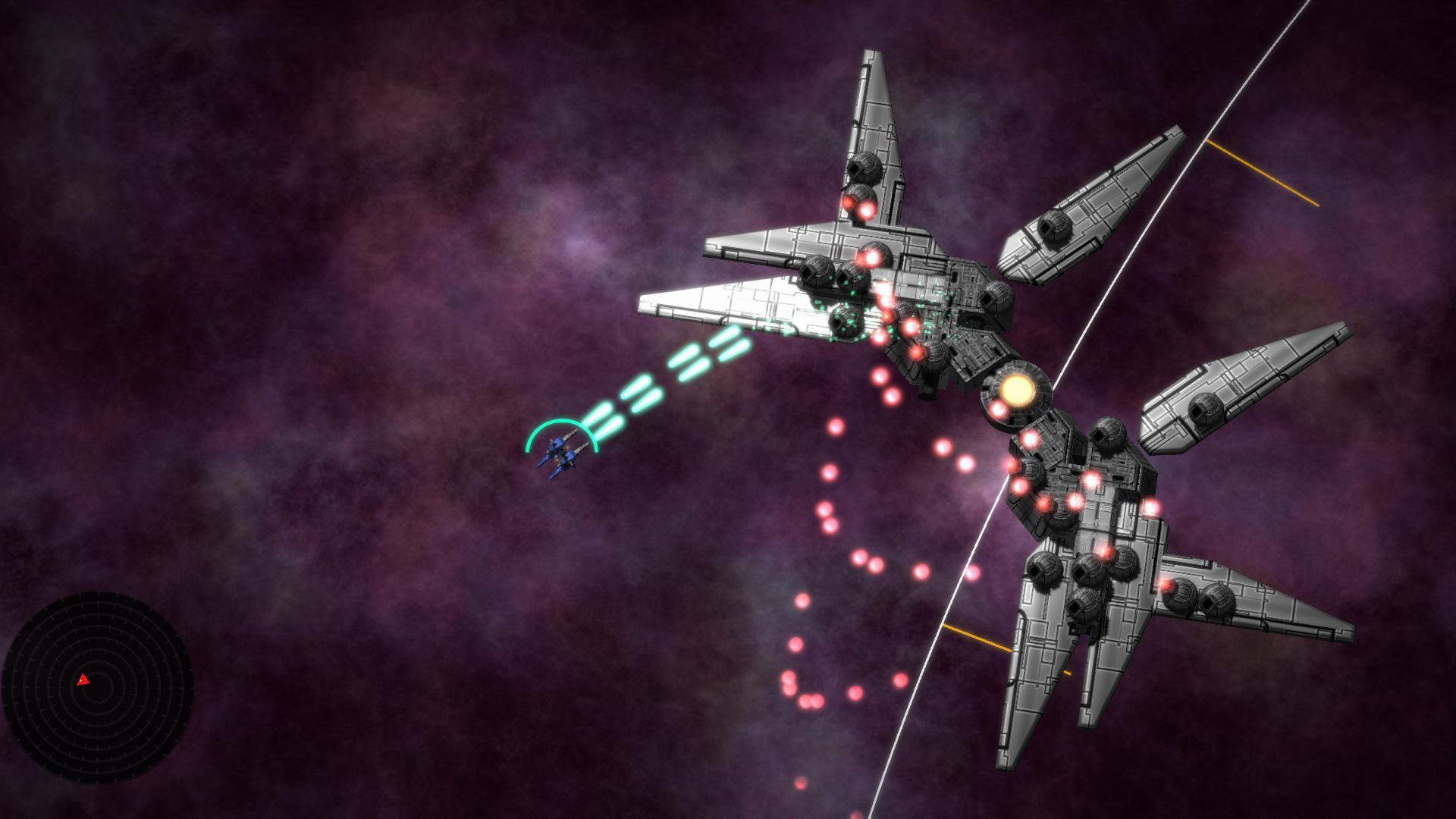
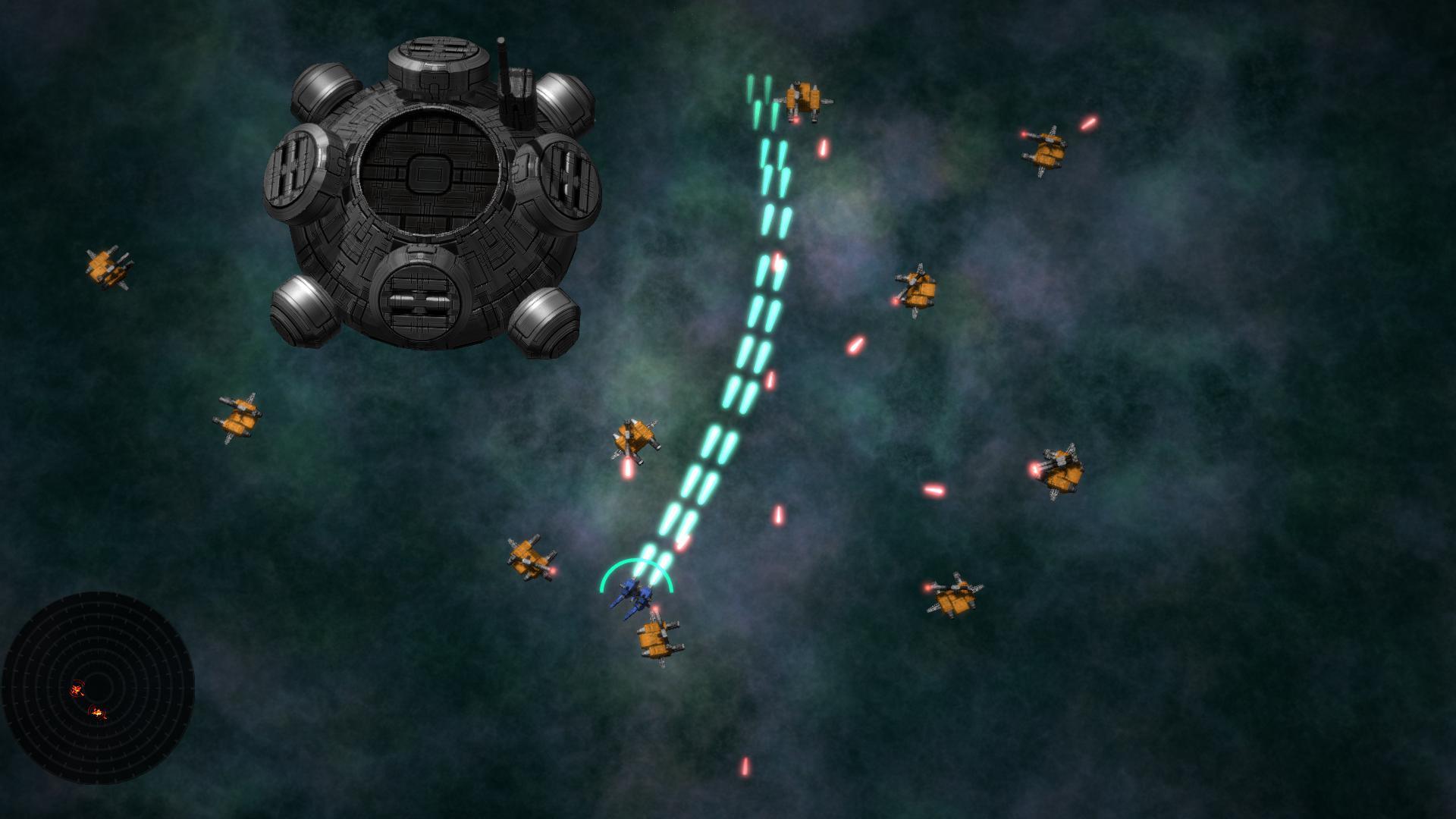
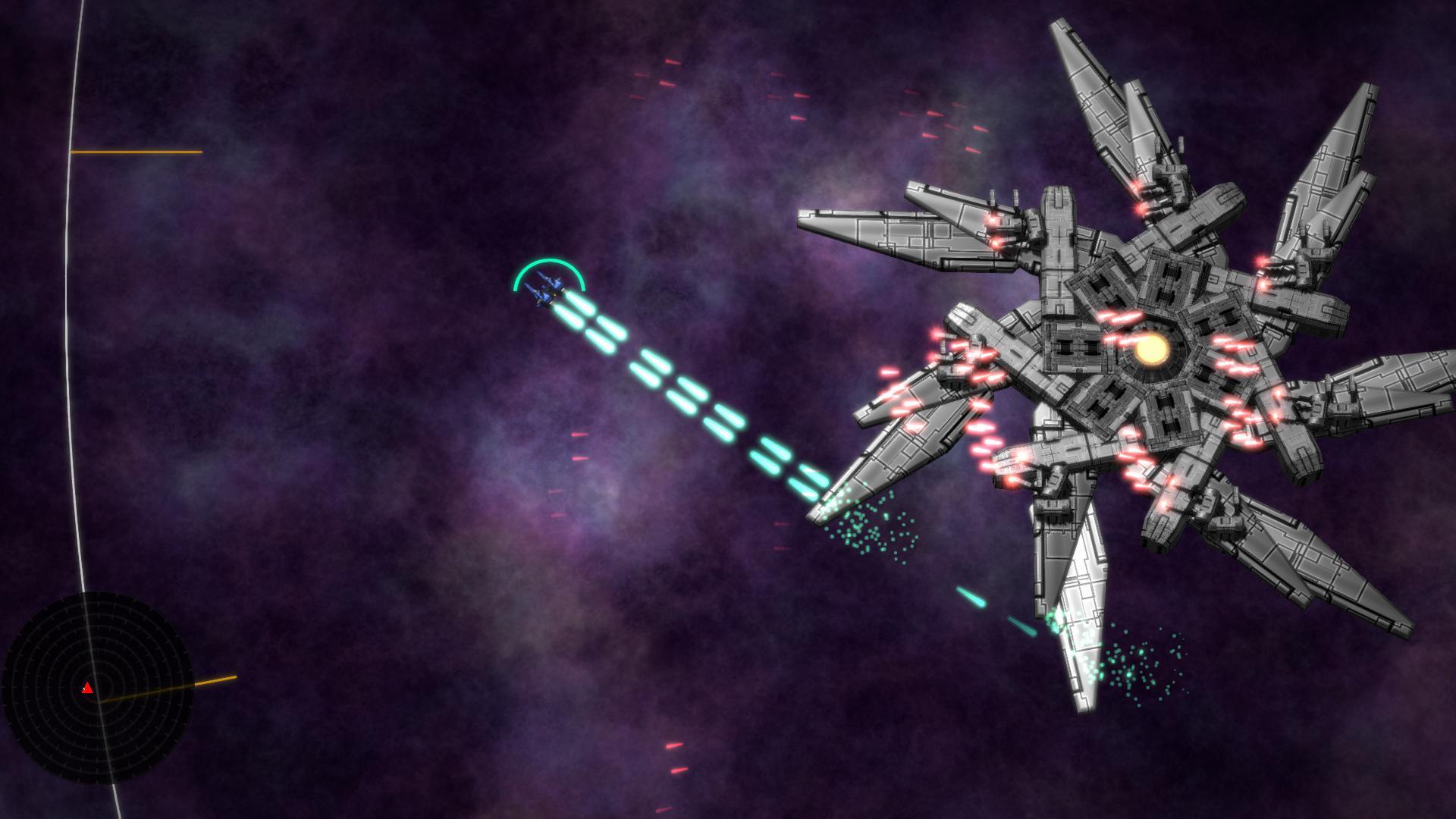
Pulse-Pounding Action! Blast through swarms of AI-driven minions and procedurally-generated bosses in this 3D top-down Twin Stick Shooter! Procedural bosses! Fight an unlimited number of bosses, each with its own shape, weapons and movement style. Pick them apart piece by piece, or focus your fire in an effort to Destroy the Core!Enemy swarms! Smaller enemies attack, retreat and defend their territory according to their own capabilities and goals. Pop that popcorn!3D Sound for a 2D game! Every zap, boom and ominous hummm is carefully positioned and modulated to help your brain keep track of the action. Try it with headphones!Pulse-Pounding Techno! Soundtrack by the legendarily prolific DST.Controller support! Tested extensively with wired Xbox 360 and Xbox One controllers. Includes default settings for unknown controllers. All controls including mousey-keyboard are rebindable at runtime. Mouse & Keyboard Controls Mouse and Keyboard Controls can be rebound at runtime using the in-game menu. Move Up: W / Up Arrow Move Left: A / Left Arrow Move Down: S / Down Arrow Move Right: D / Right Arrow Aim : Mouse Shoot: Hold Left Mouse Button Pause: Esc Navigate Menu: Mouse cursor selects, Left Mouse Button Confirms Dual Thumbstick USB Controllers Tested with Wired Xbox 360 controllers and Xbox One controllers using a standard micro-USB-to-USB cable. Movement: Left Thumbstick Aim & Shoot: Right Thumbstick Pause: B button Navigate Menu: Either Thumstick or D-pad. A button confirms. Other Controllers If your specific controller behaves differently than what's shown here, it means your controller's manufacturer does things a little bit differently from the rest of the industry. Just pause the game and remap the controls using the Options menu. You should at least have basic menu functionality, even with a really obscure controller. If all else fails, pause the game with esc, and use the mouse to navigate the menu. Move Horizontal: Joystick or D-pad Axis 0 Move Vertical: Joystick or D-pad Axis 1 (Inverted by default.) Shoot: Button 0 Pause: Button 1 Navigate Menu: Same as Movement controls Confirm Menu Choice: Button 0
Screenshots